

Computer Virus Panic: Real Reddit Stories, Expert Analysis, and What You Need to Know
From suddenly crashing laptops and suspicious websites to mysterious processes in Task Manager, Reddit’s r/computerviruses community has become a front-row seat to the real fears—and frequent confusion—surrounding computer viruses. This week’s top posts reveal how everyday users, especially students and casual downloaders, are facing a fresh wave of malware scares.
We break down the trends, expose common pitfalls, and share actionable advice—all supported by expert insights and recent cybersecurity data.
The New Face of Computer Viruses: How Everyday Actions Lead to Big Risks
What really happens when you visit these sites?
- Malvertising: Many “free” content sites inject malicious ads or redirect users to fake alerts, leveraging fear to entice you into downloading malware or giving up personal info.
- Payload Delivery: Some exploit browser vulnerabilities, silently installing trojans or spyware.
Supporting Data to these statements:
According to a 2024 McAfee Threat Report, over 37% of malware infections in North America originate from pirated software and ebook download sites. Kaspersky’s research similarly shows an uptick in “scareware” pop-ups that mimic security warnings, tricking users into installing fake antivirus software that’s actually malware.
Community Takeaway:
Most Reddit replies urge scanning with multiple antivirus tools, not just the default Windows Defender or McAfee, and warn against trusting “safe” site recommendations—even from Reddit threads.
Unexpected Slowdowns and Strange Processes: When to Worry
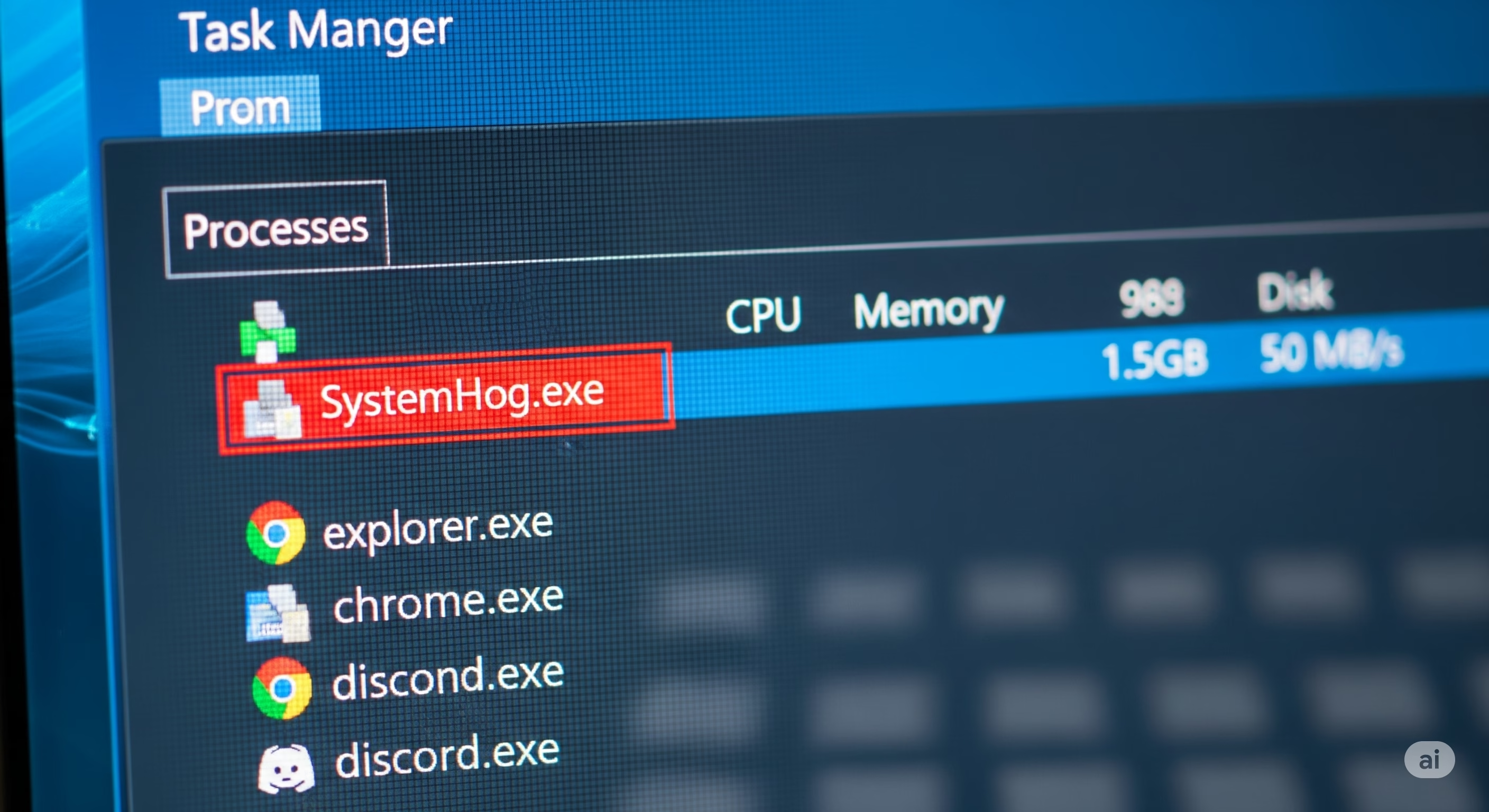
Is Task Manager Trying to Tell You Something?
For u/Salt-Acanthaceae-173, unexplained slowness and unfamiliar processes triggered alarm bells. This is a common early sign of infection, but also a source of confusion: are these background tasks normal, or is something more sinister at work?
Key Red Flags:
- Unknown Processes: Malware often disguises itself as legitimate-sounding background tasks (e.g., svchost.exe, systemupdate.exe).
- High CPU or Memory Usage: Cryptominers and spyware silently hijack system resources, causing fans to spin up and overall performance to tank.
- Persistence: Some malware automatically respawns if you try to end the process.
| Suspicious Behavior | Possible Cause | What To Do |
|---|---|---|
| Unfamiliar process names | Malware or PUPs | Search process name online, run a full scan |
| System resource spikes | Cryptominer, trojan | Check for unknown startup entries, scan with multiple tools |
| Task Manager closes itself | Rootkit or advanced malware | Boot into Safe Mode, use offline scanner |
Supporting Data:
Microsoft’s 2025 Security Intelligence Report notes that “living off the land” malware increasingly uses legitimate Windows processes to remain undetected. Public VirusTotal data shows a 23% rise in cryptominer detections tied to unknown background processes.
Reddit Consensus:
When in doubt, use tools like Process Explorer and [Malwarebytes] to dig deeper. Don’t ignore persistent slowdowns—seek help before symptoms escalate.
Email Scams and Software False Alarms: Where Paranoia Meets Reality
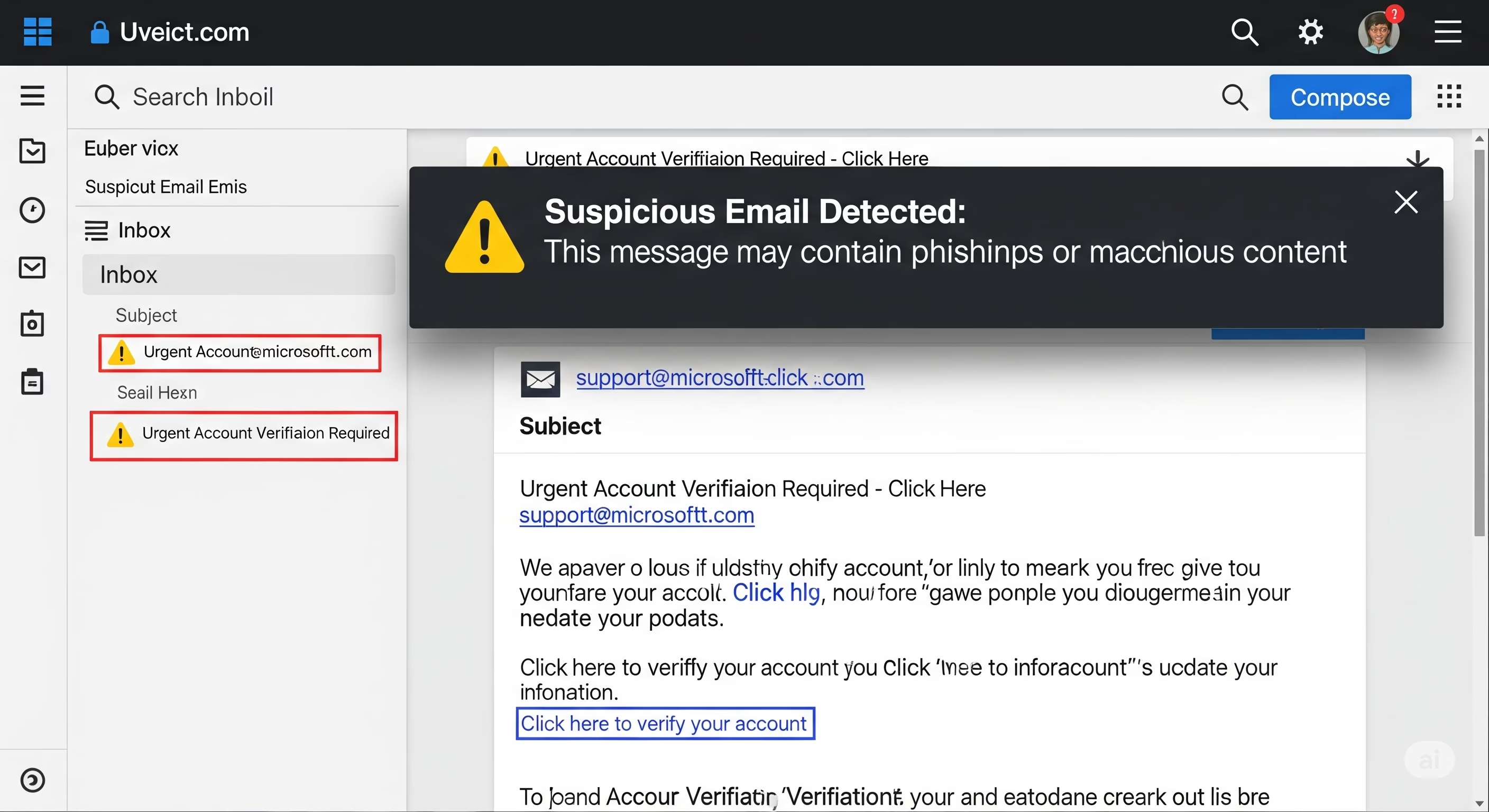
Can Opening an Email Infect Your Computer?
u/SoftPinkPixieDust’s story is all too familiar: opening a suspicious email (without clicking links!) led to repeated Outlook crashes and loud fan activity. Despite multiple antivirus scans, nothing malicious was found.
Is just opening an email dangerous?
- Modern Protections: Since 2017, most email clients—including Outlook—block automatic execution of scripts and external content by default.
- Bugs and Glitches: Malformed emails can still crash clients, but rarely cause infection without further user action.
- Social Engineering: The real risk comes from clicking links or downloading attachments, not just viewing the email.
Supporting Data:
According to Proofpoint’s 2024 State of the Phish report, 78% of successful malware infections via email required users to click a link or open an attachment. Microsoft confirms that Outlook crashes from spam are usually due to rendering bugs or excessive embedded content, not active malware.
Reddit’s Advice:
Don’t panic if you just opened a suspicious email, especially if scans are clean. But always avoid clicking links or downloading anything from unknown senders.
The Uncertainty Principle: When Antivirus Software Says “All Clear”—But You’re Still Worried
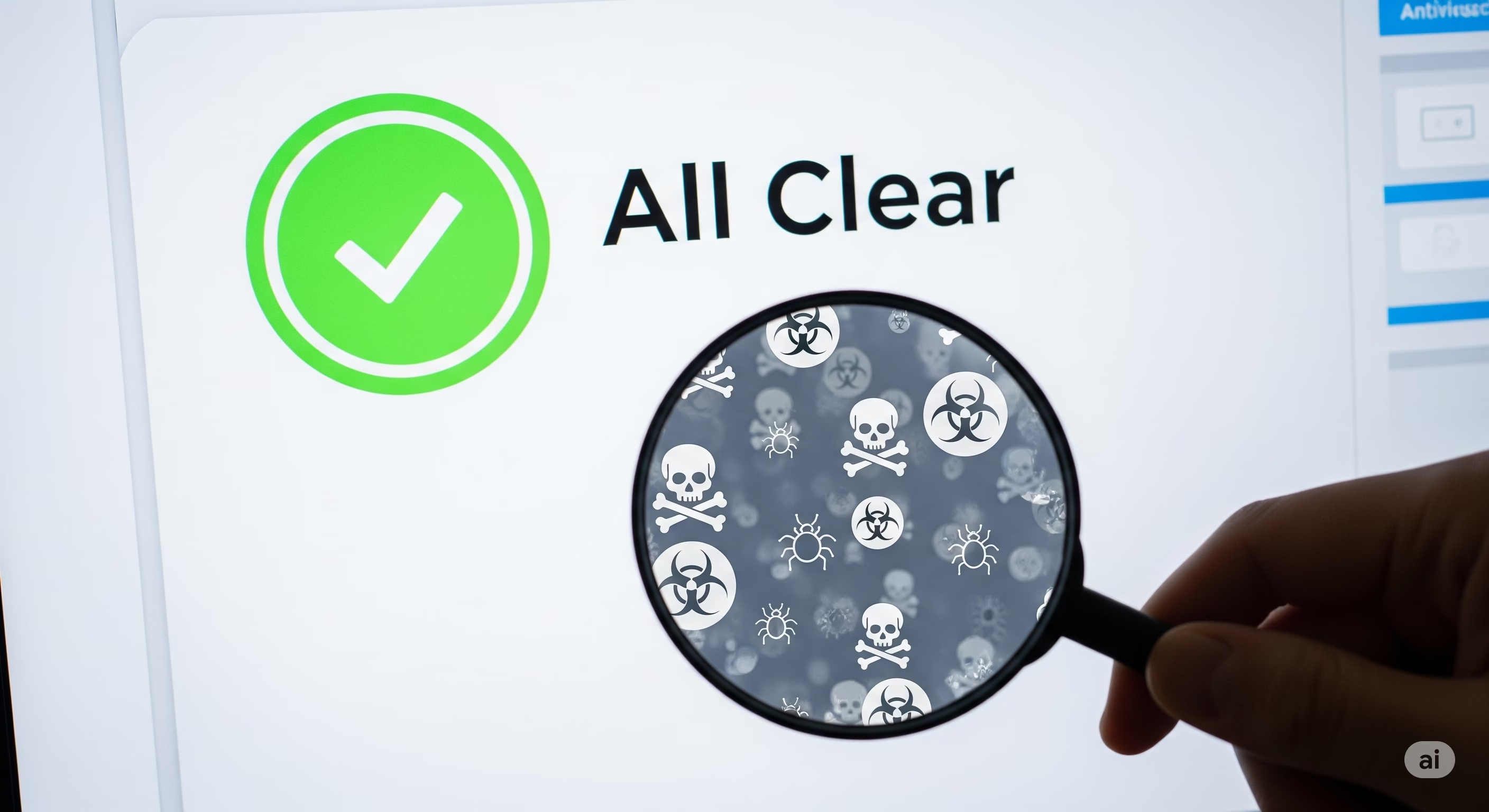
A recurring theme across all five posts: users ran antivirus scans (Windows Defender, McAfee) but remained unsure, especially when symptoms persisted.
Why does this happen?
- False Negatives: Even top antivirus engines can miss new or obfuscated threats, especially fileless malware or those using legitimate Windows components.
- User Anxiety: Malware panic is fueled by visible symptoms (crashes, slowdowns) even if they’re caused by unrelated issues.
Expert Recommendations:
– Cross-Verify: Use multiple reputable scanners (e.g., Malwarebytes, ESET Online Scanner, Kaspersky Virus Removal Tool).
– Scan in Safe Mode: Some malware hides from active scanners; Safe Mode reduces this risk.
– Behavior-Based Detection: Look for behavioral changes, not just scan results—new startup items, changed browser settings, etc.
Cited Stats:
AV-Comparatives’ 2025 Real-World Protection Test found that combining two or more scanning tools increased detection rates by up to 14% over single-tool scans.
Community Wisdom: The Power and Pitfalls of Crowdsourced Security Advice
The comments on these Reddit posts reveal both the strength and risks of turning to online communities for malware help:
What Works:
– Fast, practical advice from real users with similar experiences
– Identification of common scams, false positives, and benign processes
What To Watch Out For:
– Misinformation about “safe” download sites
– Overconfidence in single-scan results (“If Defender says you’re fine, you’re fine!”)
– Lack of awareness about advanced or stealthy malware
Best Practices from the Community (and Experts):
– Always backup important data before trying malware removal steps
– Use multiple malware scanners
– Avoid dubious sites, even if others claim they’re “safe”
– Don’t ignore persistent symptoms just because a scan is clean
Conclusion:
By analyzing these real-life Reddit stories, it’s clear that the threat of computer viruses is evolving—and so must our defenses. Stay vigilant, use layered security strategies, and always think twice before clicking, downloading, or trusting “safe” advice from strangers online.
For context, see AI game clones are making indie developers afraid….
Discover more from WireUnwired Research
Subscribe to get the latest posts sent to your email.